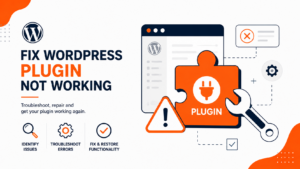
WordPress Plugin Not Working? How to Find and Fix It
A plugin that suddenly stops working — or takes your whole site down with it — is one of the most common WordPress headaches. The

A plugin that suddenly stops working — or takes your whole site down with it — is one of the most common WordPress headaches. The
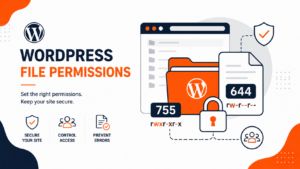
File permissions decide who can read, write, and execute each file on your WordPress site. Set them too loose and you hand attackers a way
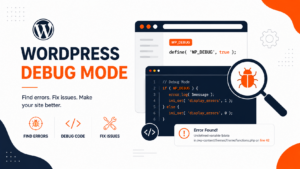
When a WordPress site breaks — a white screen, a critical error, a plugin misbehaving — the cause is usually a PHP error you can’t
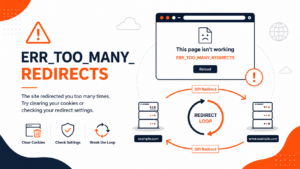
ERR_TOO_MANY_REDIRECTS is one of those errors that takes a site completely offline while telling you almost nothing about what’s wrong. Your browser followed a chain

WordPress user roles control who can do what on your site — from full administrative power down to read-only access. Understanding them is the foundation

The wp-content folder is the heart of your WordPress site’s content. While WordPress core runs the software, wp-content holds everything that makes your site yours
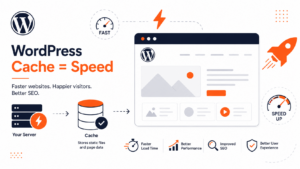
A cache plugin is one of the fastest ways to speed up a WordPress site — it can cut your load time in half without
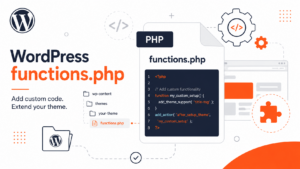
The functions.php file is like a mini-plugin built into your WordPress theme. It lets you add custom features and change how your site behaves using

Every WordPress site has a login page — the gateway to the admin dashboard where you manage posts, plugins, themes, and settings. Yet finding the
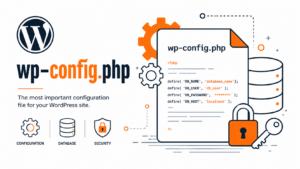
The wp-config.php file is the most important configuration file in any WordPress installation. It stores your database credentials, security keys, and dozens of settings that
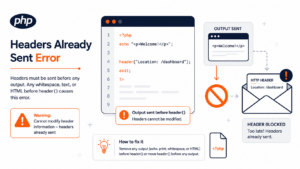
The error “Warning: Cannot modify header information – headers already sent by” means a PHP script tried to send HTTP headers (for a redirect, cookie,
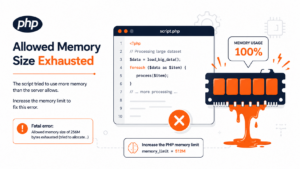
The error “Fatal error: Allowed memory size of X bytes exhausted” means a PHP script tried to use more memory than your server’s memory_limit allows,
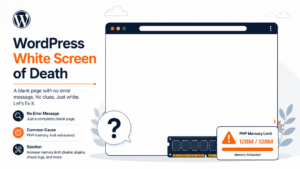
The WordPress white screen of death (WSOD) is a completely blank page — no content, no error message, nothing — that appears when a fatal
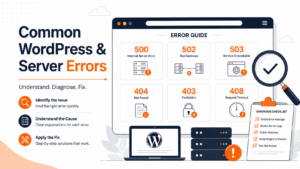
Most WordPress errors fall into a handful of categories — server errors (like 500, 502, 503, 504), connection errors (the ERR_CONNECTION family), WordPress-specific failures (the
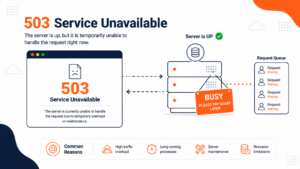
A 503 Service Unavailable error means the server is up and running but temporarily unable to handle the request — usually because it’s overloaded, in
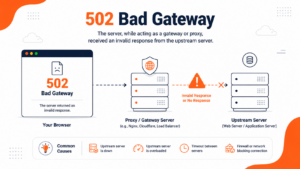
A 502 Bad Gateway error in Nginx means that Nginx — acting as a gateway or reverse proxy — sent a request to an upstream
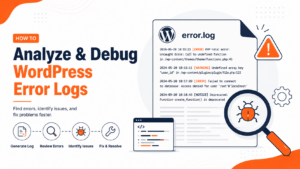
WordPress error logs record every PHP error, warning, and notice your site generates — and they’re the fastest way to find the real cause of
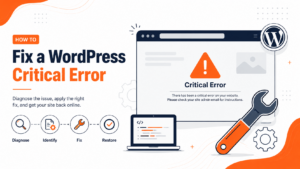
“There has been a critical error on this website” is WordPress’s way of telling you that a fatal PHP error stopped your site from loading.
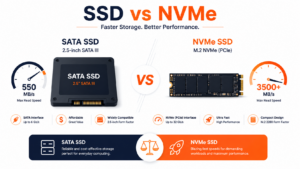
SSD and NVMe both store your website’s data on fast flash memory with no moving parts — but they’re not the same thing. “SSD hosting”

A CDN (Content Delivery Network) is a group of servers spread around the world that store copies of your website’s content close to your visitors.